Pages

August 16, 2015

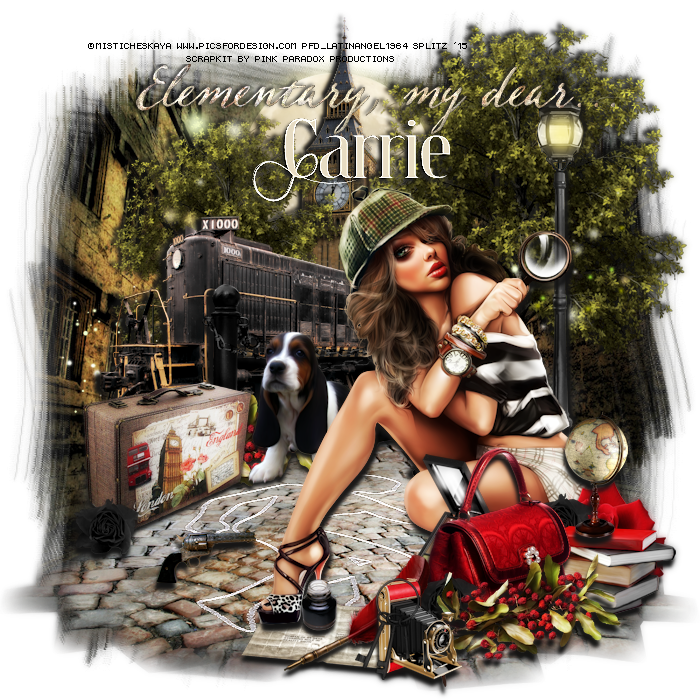
Who-Dun-It? - CT PTU Tut - London Detective by Pink Paradox Productions


I used PSP X6 to create this tag but any other version will work!

Scrapkit is a totally fabulous one by Pink Paradox Productions Named "London Detective"

Gorgeous art is by Vika. You need a license to use her work and you can get both HERE

Mask is one of my favorites by Chelle. It is # 117

FTU Font Thron Demo

No outside filters used

Don't Forget your Drop Shadows!

HERE WE GO!


Open new image 700 x 700. Resize tube by 35 c/p onto canvas. El 122 Cobbled Ground resize by 60 c/p and place underneath tube. Duplicate this layer 2 times and just spread the layers at the bottom. El 148 Tree resize by 40 c/p and place to the far right behind tube. El 104 Uncle Ben resize by 40 c/p and place to the middle by Tree. El 110 Gate resize by 30 c/p and place towards the back. El 101 Train resize by 40 c/p and place to the back towards left behind Gate. .  El 31 Suitcase resize by 20 c/p and place towards inside left of gate. El 112 Lamp Post resize by 50 c/p and place to the left behind tube. Go back to El 148 resize by 30 c/p and place towards left behind train.  
 El 124 Outline, resize by 50 c/p and place towards bottom left. Duplicate layer 2 more times merge down enhance edges. El 16 Purse resize by 25 c/p and place by right of tube. El 42 Camara resize by 15 c/p and place to the left by Purse. El 54 resize by 20 c/p and place towards far right . El 21 resize by 30 c/p and place behind Purse. El 128 Flowers resize by 30 c/p and place between Camera and purse, duplicate and place behind Suitcase to the right. El 43 Globe resize by 15 c/p and place on top of Books. EL 51 Quill and Ink resize by 20 c/p and place by Camera. El 69 Newspaper resize by 20 c/p and place underneath El 51. El 7 Dog resize by 25 c/p and place by Suitcase. El 67 Keys resize by 15 c/p and place by Camera. El 70 Gun resize by 15 c/p and place to the left by Outline. El 129 Red Rose resize by 20 c/p and place towards left behind Books. El 129 Black Rose resize by 10 c/p and place to the left by Suitcase, dupicate layer 2 times, place on elayer by Red Rose, other layer by left side of Purse. 
Add your Drop Shadows!
Add your Mask. I am using Paper 28 resized by 70 for mine and of course one of my Favorite Masks by WSL # 117.
Merge Group. Duplicate Mask
Merge Visible!
Duplicate tag, gaussian blur 3. On copy go to Properties: Overlay. Then lower Opacity to 55.
Merge Visiblle again. 
Add your name, cr and license info
Save as PNG!

Thanks for looking!
post signature

August 15, 2015

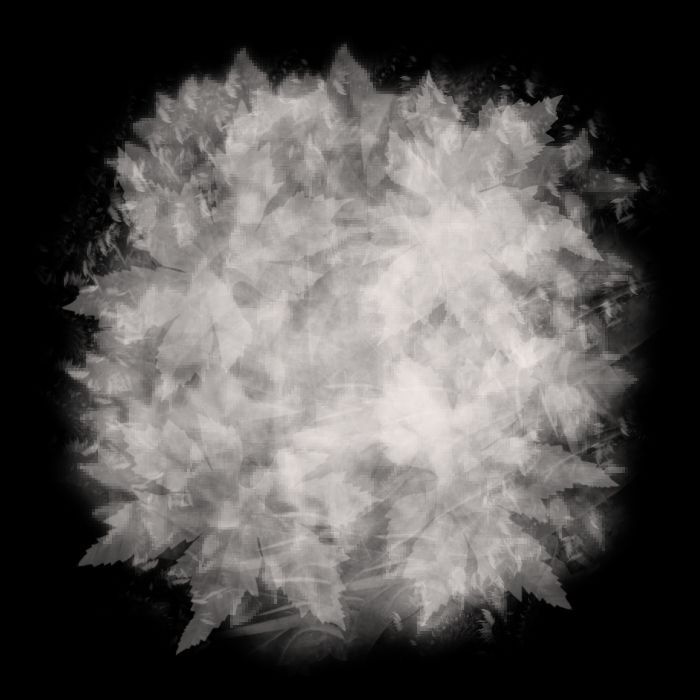
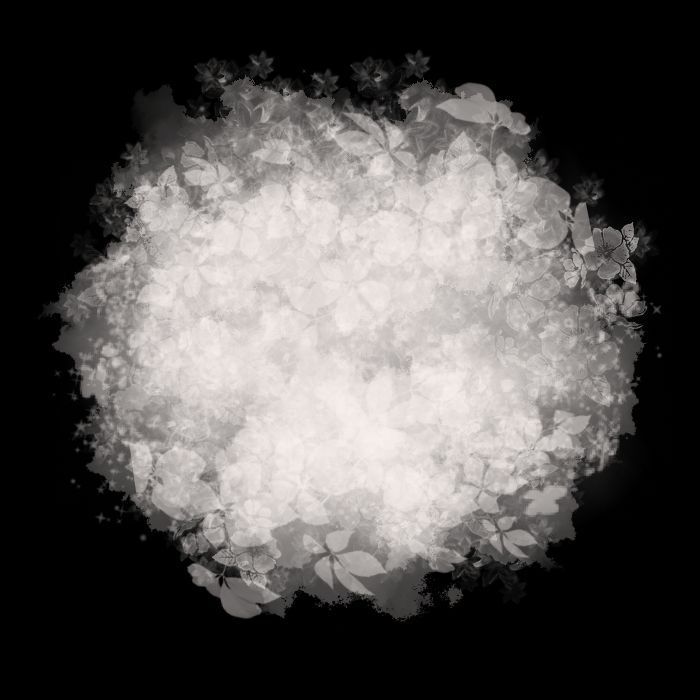
Masks 29 to 31

Mask 29

PSP File 

Mask 30


PSP File

Mask 31


PSP File
post signature

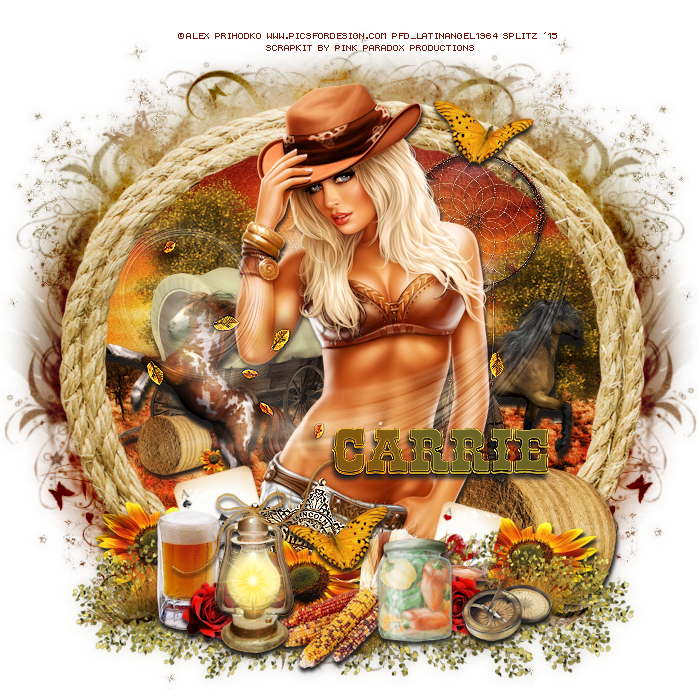
"Wanted" - CT PTU Tut - Autumn Cowgirl by Pink Paradox Productions


I am using PSP X6 to create this tag but any other version will work!

Using Pink Paradox Production's newest fabulous kit "Autumn Cowgirl"
Available HERE

Using the beautiful work of Alex Prihodko. You need a license to use his art and you can get both HERE

FTU Font Rio Grande

No Outside Filters used

Mask is #1 by Me HERE

Here we go!


Open new image 700 x 700.  Frame 3 resize by 60 c/p onto canvas. Tube resize by 45 c/p place to the middle of frame. Erase some the tube's legs and position it that it it exact to top of frame. El 113 grass resize by 60 c/p and place to the bottom in front of tube. You may erase whatever of th tube's legs is showing. Apply your first mask, I used Paper 17 for mine and I choose a Round Mask. Layers -  Merge Group, Duplicate your mask. Properties burn, lower opacity and Merge down, move mask layer a a little towards left duplicate again, flip horizontal and move that layer a little towards right . Duplicate Mask 
Go to Frame Layer, Magic Wand, click inside, expand by 5. Take Paper 4 resize by 60 c/p onto frame. selections, Invert Delete, Deselect. Move Paper 4 layer to back of Frame. El 186 Tree resize by 20 c/p and place to the left, background middle, duplicate this layer and place to the right. El's 4 Horse, 6 Horse, and 110 Wagon resize all by 25 c/p and set up in the background as you would like or as I did, you can see my tag for reference. El 136 Bale of Hay resize 30 c/p and place to the far right behind Grass, go back to El 136 resize smaller by  c/p and place by Wagon, add a drop shadow. El 151 Sunflower resize by 20 c/p and place by Lantern, Duplicate twice and place a layer of each to each side of tube. El 79 Lantern resize by 25 c/p and place towards bottom by tube.  El's 51 Beer, 61 Jar  and Sheriff's Badge resize by 20 c/p and place to the bottom. Enhance Edges on the Badge. El 86 and 87 Cards resize by 20 free rotate one card to the right 15 do the same with the other card but free rotate to the left 15. C/P onelayer to the left of the tube and the other to the right. El 50 Corn resize by 25 c/p and place towards bottom middle. El 148 Rose resize by 10 c/p  to the bottom by Beer , duplicate and move layer towards bottom right by Corn. El 73 Compass resize by 15 c/p and place by Corn. El 75 Dream Catcher resize by 50 c/p and place to the top right behind Tube. Derop Shadow Enahnce Edges. El 30 Butterfly resize by 20 c/p and place to the top of Dream Catcher, duplicate flip horizontal and place to the bottom middle by Badge. Last El 190 Leaves Swirl resize by 50 c/p and place it over tube then enhance edges. Finishing adding your drop shadows. 
Merge Visible.
 Duplicate tag, Gaussian Blur 6. On Copy Properties Overlay, lower Opacity to 36. Merge vivisble again.
Add your name, CR and license info
Save as PNG
Thanks for looking!
post signature

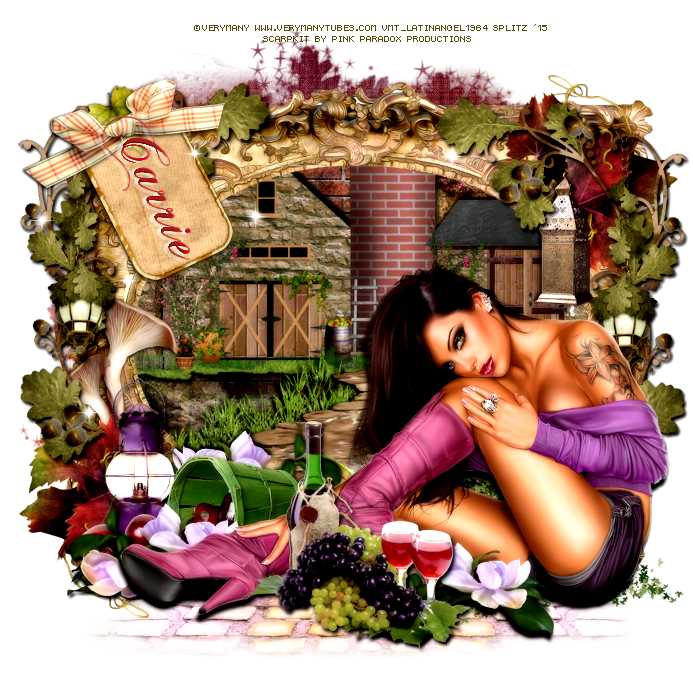
Celebrate the Moments - CT PTU "Autumn Wine" by Pink Paradox Productions


I am using PSP X6 to create this tag but any other version will work!

Using a beautiful scrap kit by Pink Paradox Productions named "Autumn Wine". it is available HERE for purchase. 

Using the lovely art of Verymany. You need a license to use her work and you can get both HERE

Mask is #27 by ME HERE

FTU Font Chopin Script

Filters:
Xero - Bad Dream

Do Not Forget Your Drop Shadows

HERE WE GO!
Open new image 700 x 700, resize tube by 45, c/p onto canvas. 
Working on the Background first. Take Frame 15 resize by 50 c/p and place behind tube. El 88 resize by 50 c/p and place towards middle behind Frame. El 97 resize by 40 c/p and place towards Middle of Element 21, take eraser tool and erase anything showing outside of Frame. Now take El 21 and move up and just align it with El  97. El 93 resize by 40 c/p by left side of E 97, Make sure on your layers palette that El 97 and 93 are above El 88 Now click on Frame Layer, magic wand,  expand by 4. Take Paper 30 resize by 50 c/p onto frame, selections invert delete, deselect. Move Paper Layer Behind El 88 
El 21 resize by 30 c/p and place towards bottom of tube, in the middle. El 17 resize by 30 c/p and place towards bottom left behind tube. El 26 resize by 25 c/p and place between Tube and El 21. Duplicate El 26 2 times and place one layer towards bottom left in front El 17 and the other towards middle behind tube behind El 17.  El 59 resize by 40 c/p and place to far bottom left. El 84 resize by 40 c/p and place towards left of Frame, duplicate flip horizontal and place layer towards right of frame. El 144 resize by 25 c/p and place by left side of Frame behind El 40.  El 120 resize by 30 c/p and place towards bottom left corner, duplicate, flip horizontal then flip vertical and place towards top right corner, make sure these layers are behind El 84. El 92 resize by 40 c/p and place behind tube towards bottom right. El 60 resize by 30 c/p and place towards top right of Frame,. El 72 resize by 30 c/p and place towards top left of Frame. El 150 resize by 30 c/p and place towards top of El 72. El 95 resize by 60 c/p and place towards bottom underneath all elements. Add your drops shadows!
Merge visible. Make your Mask I used paper 358 for mine. Merge again
I added Xero Bad Dream with these Settings:
33, 61
Colourization: NONE
Add your name, CR and license and you are done!
Save as PNG
Thanks for looking!
post signature